
How to Edit Files in DirectAdmin
Using DirectAdmin File Manager
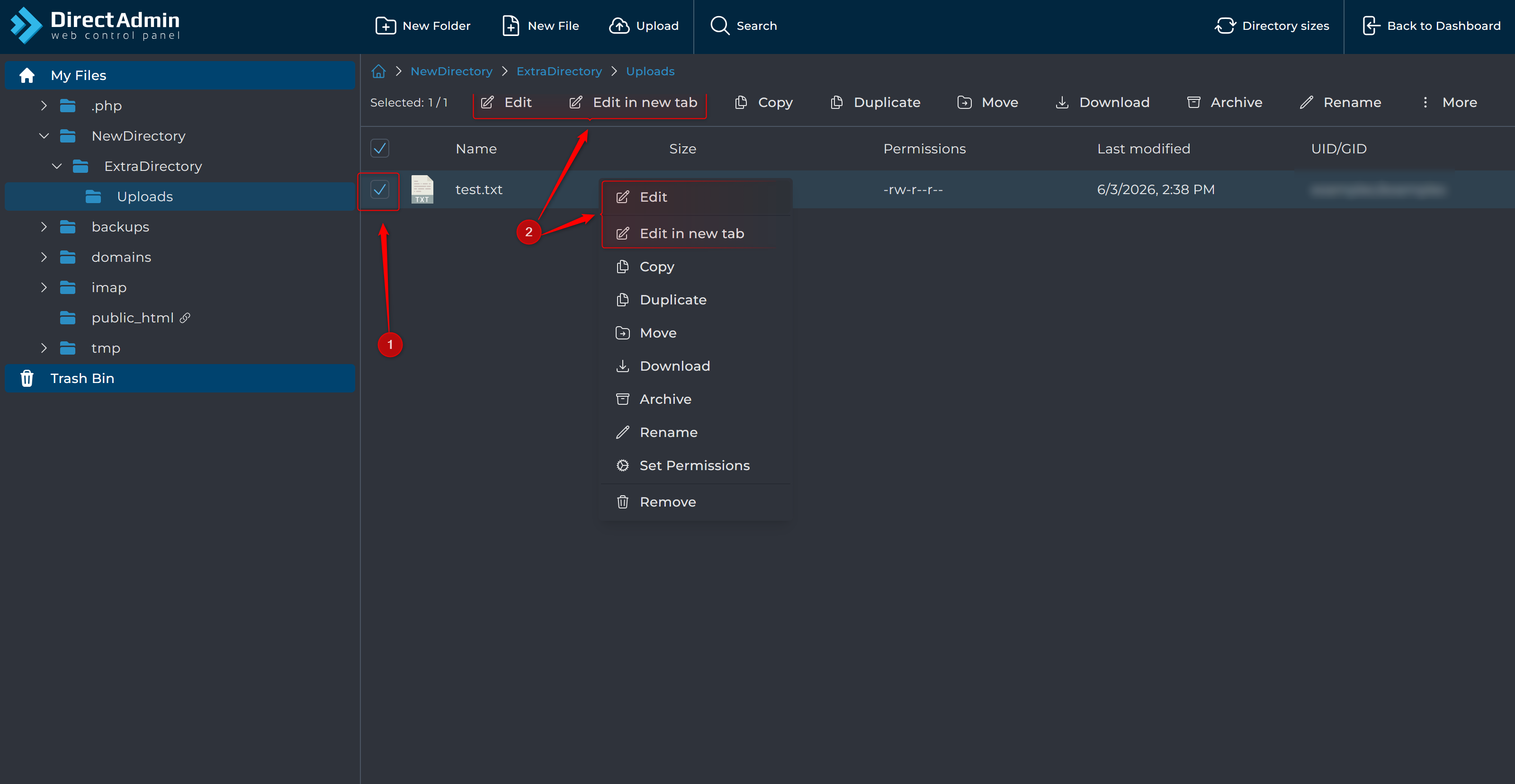
- Select the file.
- Click
EditorEdit in New Tab.
Using AXFilePro
- Select the file.
- Click
Editor right-click the file and chooseEdit.
Remember to save your changes when finished.
Tip: Always create a backup before editing important website files.
