How to Create a Limited FTP Account
Limited FTP accounts allow you to restrict access to specific directories instead of giving access to the entire hosting account.
To create a limited FTP account:
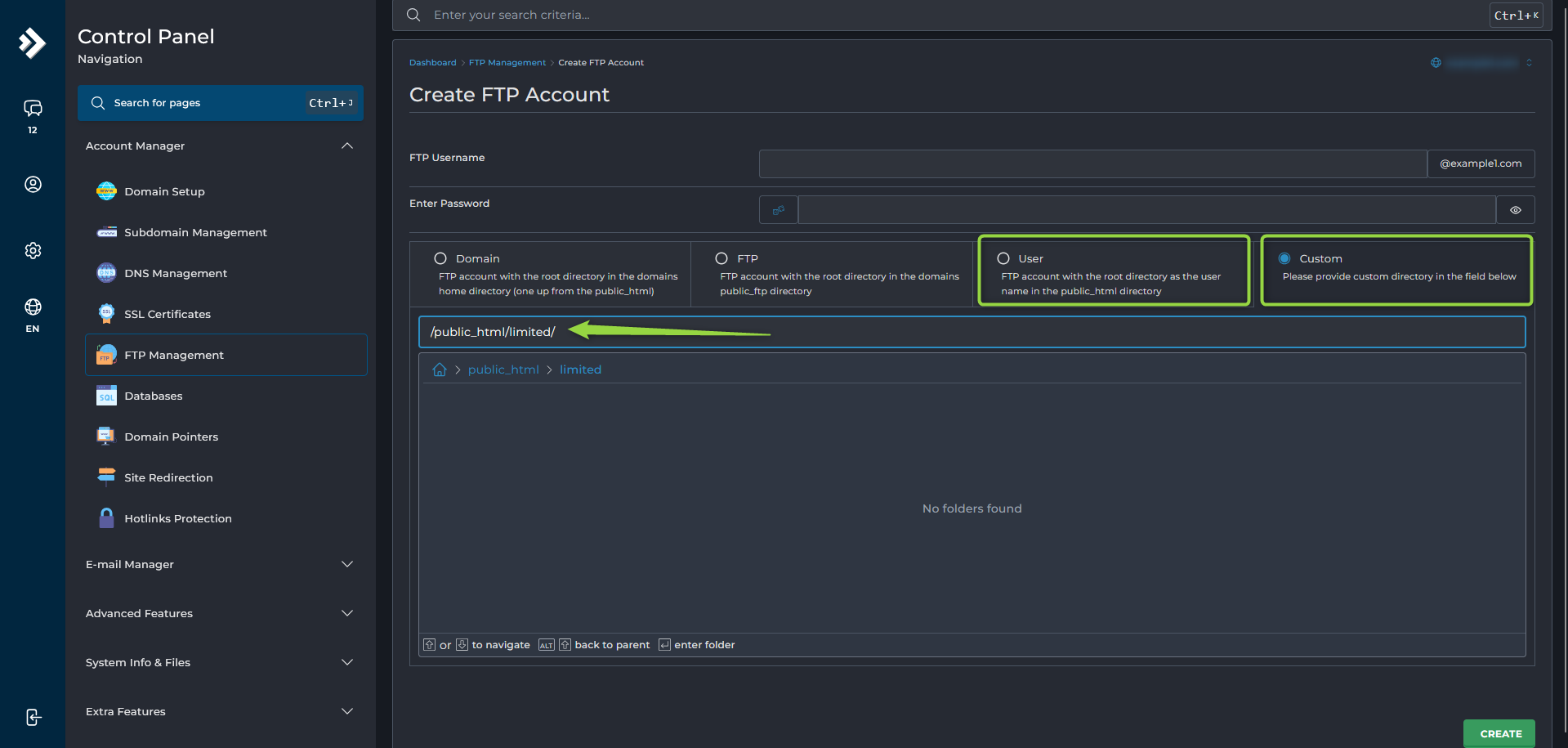
- Navigate to Account Manager --> FTP Management.
- Click
Create FTP Account. - Choose the desired access type:
- User
Creates a dedicated directory inside the domain's
public_htmlfolder and limits access to that location. - Custom
Allows you to select an existing directory anywhere within your hosting account.
- Create the FTP account.