How to Upload Files in DirectAdmin
Using DirectAdmin File Manager
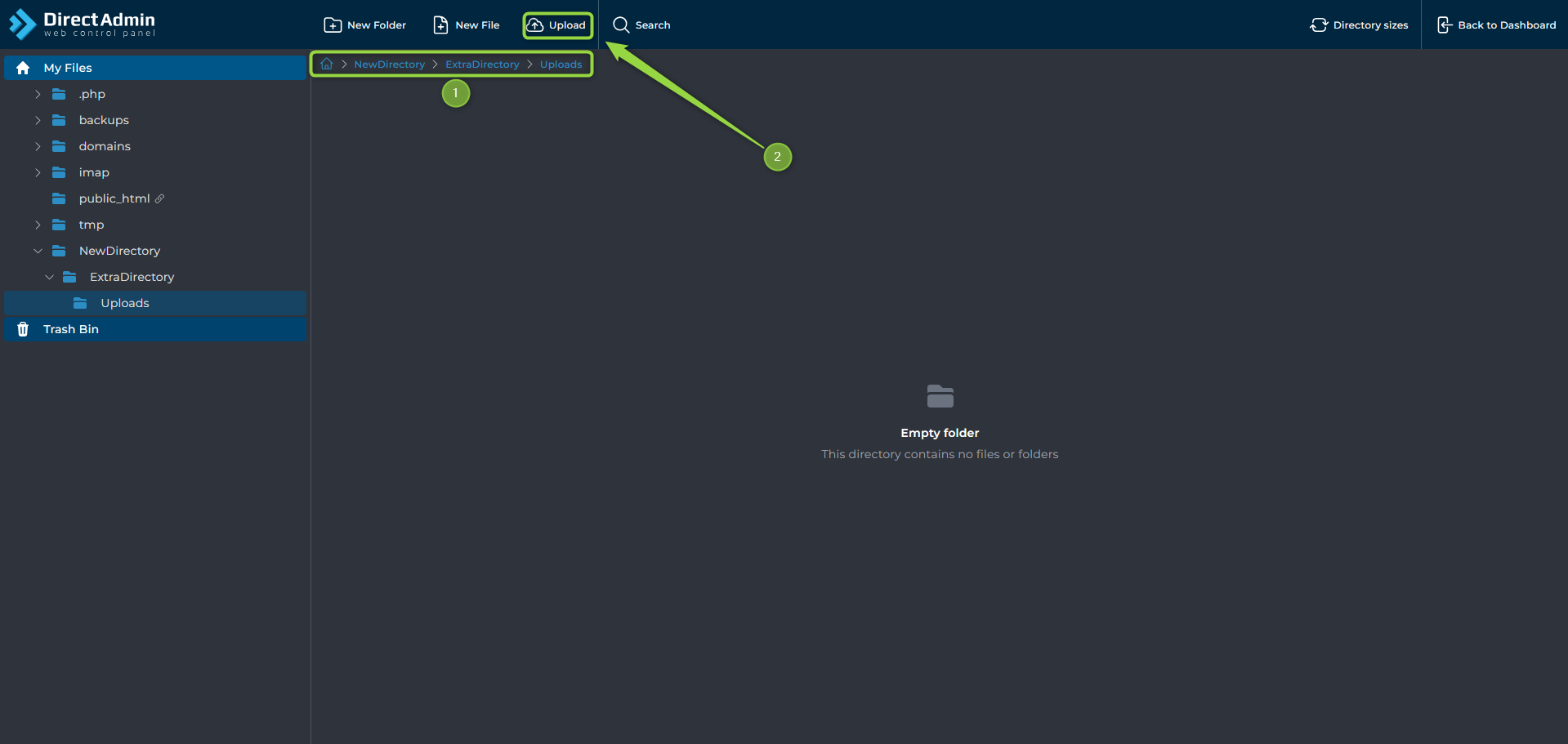
To upload files using the DirectAdmin File Manager:
- Navigate to the desired directory.
- Click
Upload. - Select the files you want to upload.
Using AXFilePro
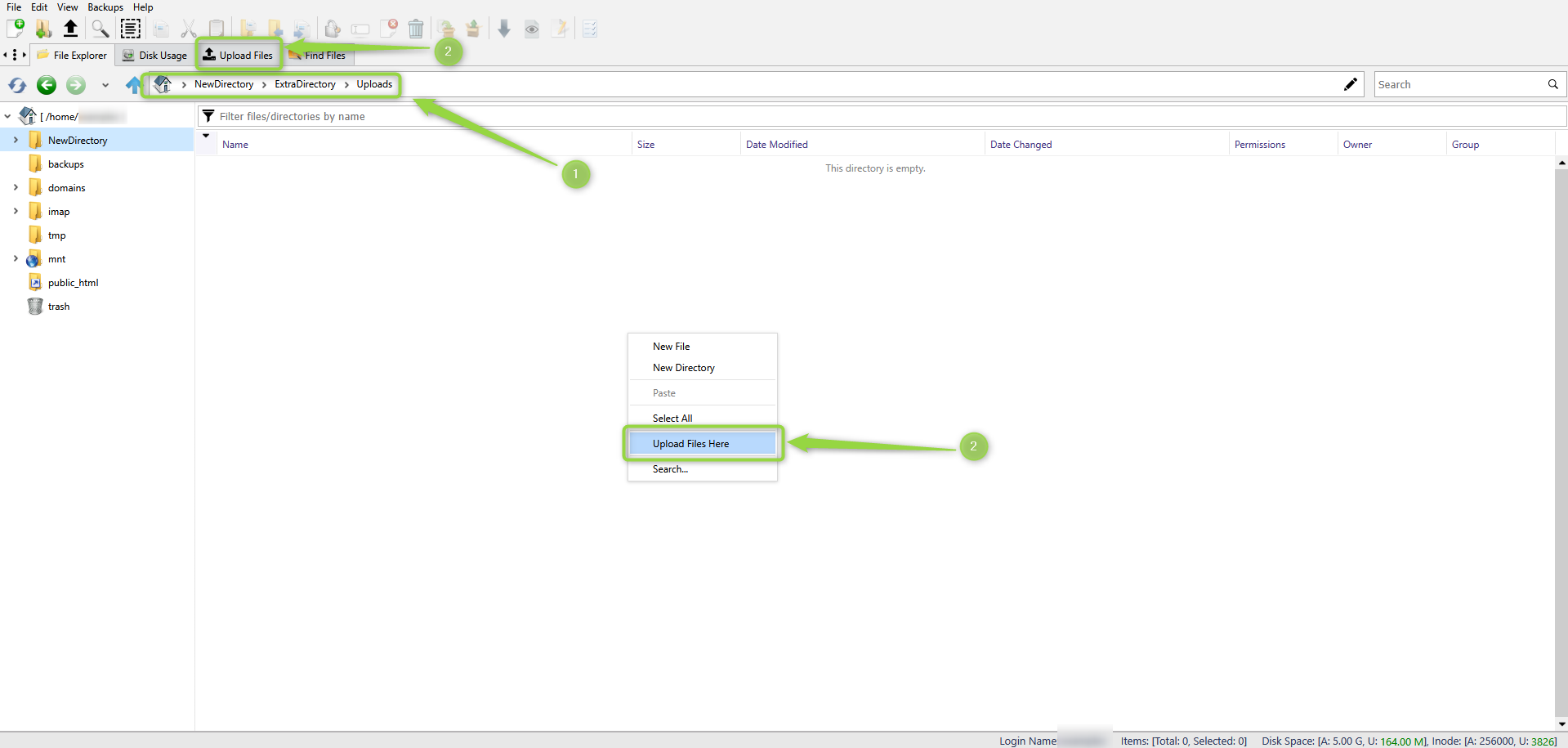
To upload files using AXFilePro:
- Navigate to the desired directory.
- Click
Upload Hereor right-click and selectUpload Files Here. - Drag and drop files or browse to select them.