
How to Restore an Automatic Backup
Automatic backups can only be restored through AXFilePro.
To restore an automatic backup:
- Open AXFilePro.
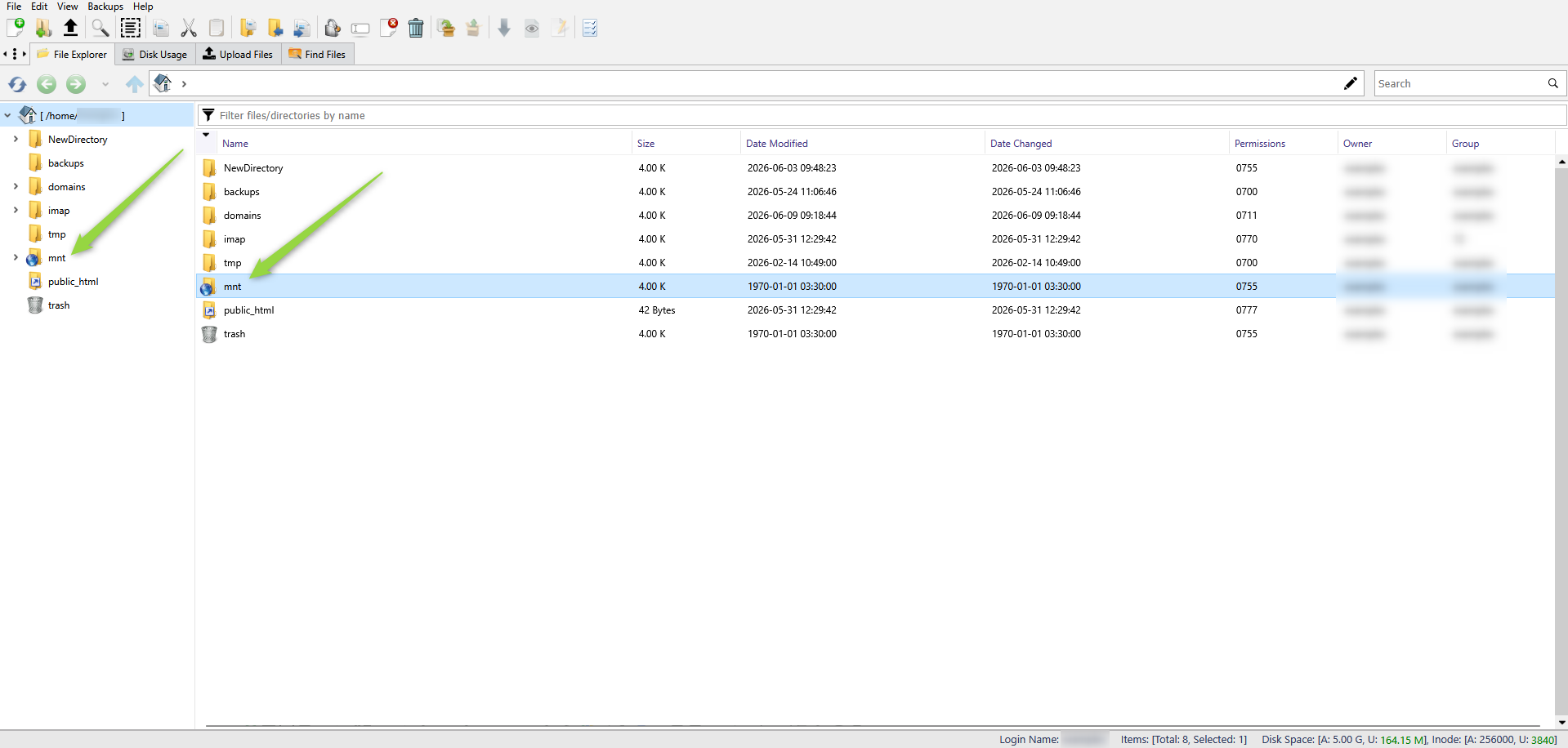
- Navigate to the
mntdirectory. - Locate the desired website or database backup.
- Right-click the backup and select the restore option.
If you are not familiar with AXFilePro, check the link below to learn how to use it:
For detailed instructions, see:
