
How to Restore a Hosting Backup
Backups created through DirectAdmin can be restored directly from the control panel.
- Create a directory named
/backups. - Upload the backup file to this directory.
- Navigate to Advanced Features --> Create/Restore Backups.
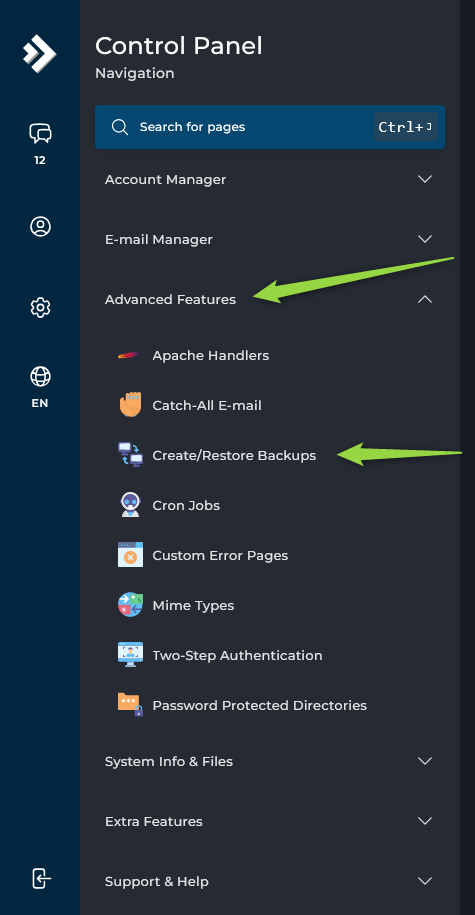
- Open the
Restore Backupsection. - Select the backup file.
- Choose the desired restoration options.
- Click
RESTORE BACKUP.
A confirmation message will be displayed once the restoration has been completed.
If your backup was not created by DirectAdmin, submit a support ticket and request backup conversion and restoration. Our team will review the backup format and determine whether it can be converted for use with DirectAdmin.
