How to Park a Domain
To create a domain pointer:
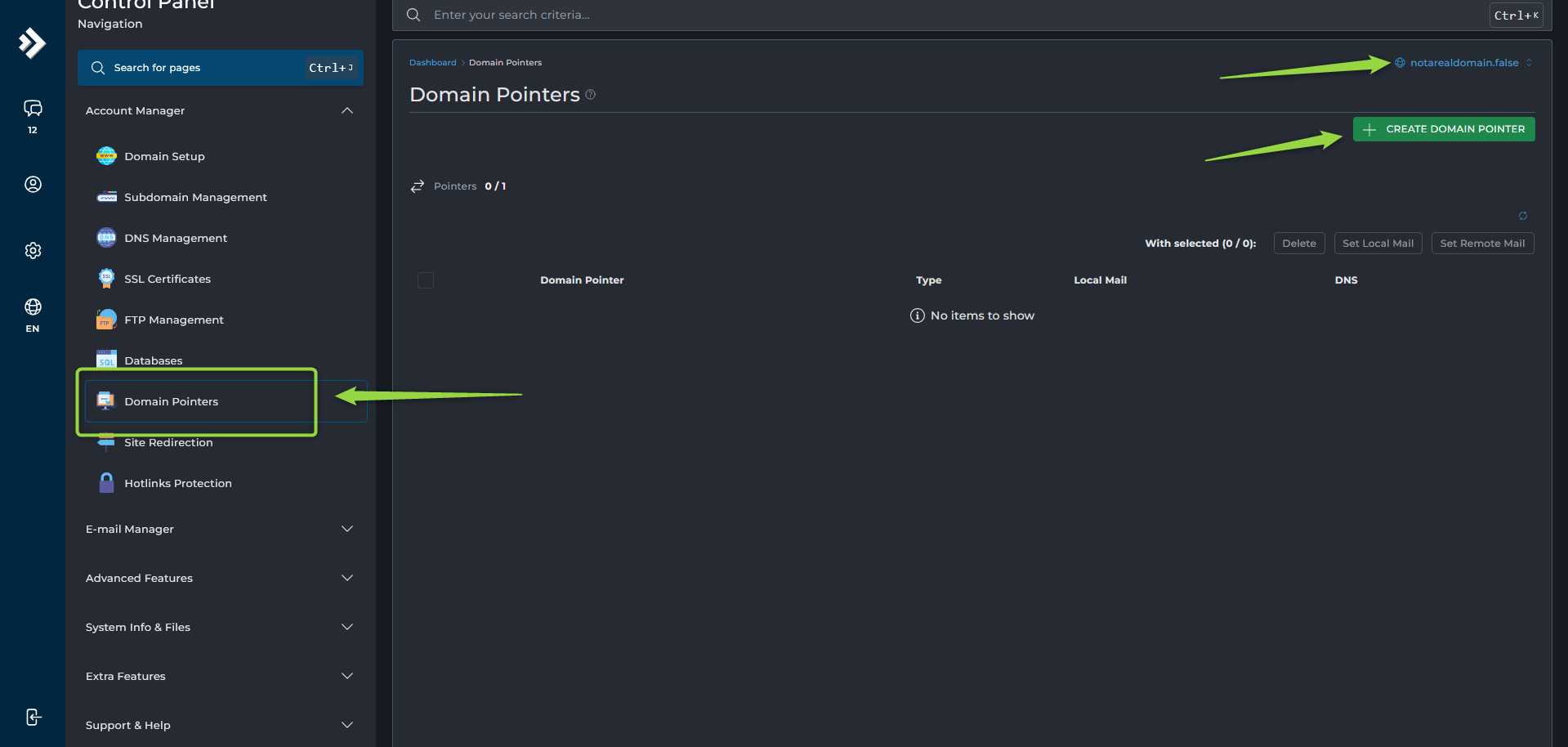
- Navigate to Account Manager --> Domain Pointers.
- Select the target domain.
- Click
Create Domain Pointer. - Enter the domain you want to park in the Source Domain field.
- Choose the desired option:
- Alias — The domain displays the same website content.
- Pointer — The domain points to the target domain.
- Save the changes.
DNS changes may take some time to become active after the update.