
How to View DirectAdmin Login History
To view login activity in DirectAdmin:
- Open DirectAdmin.
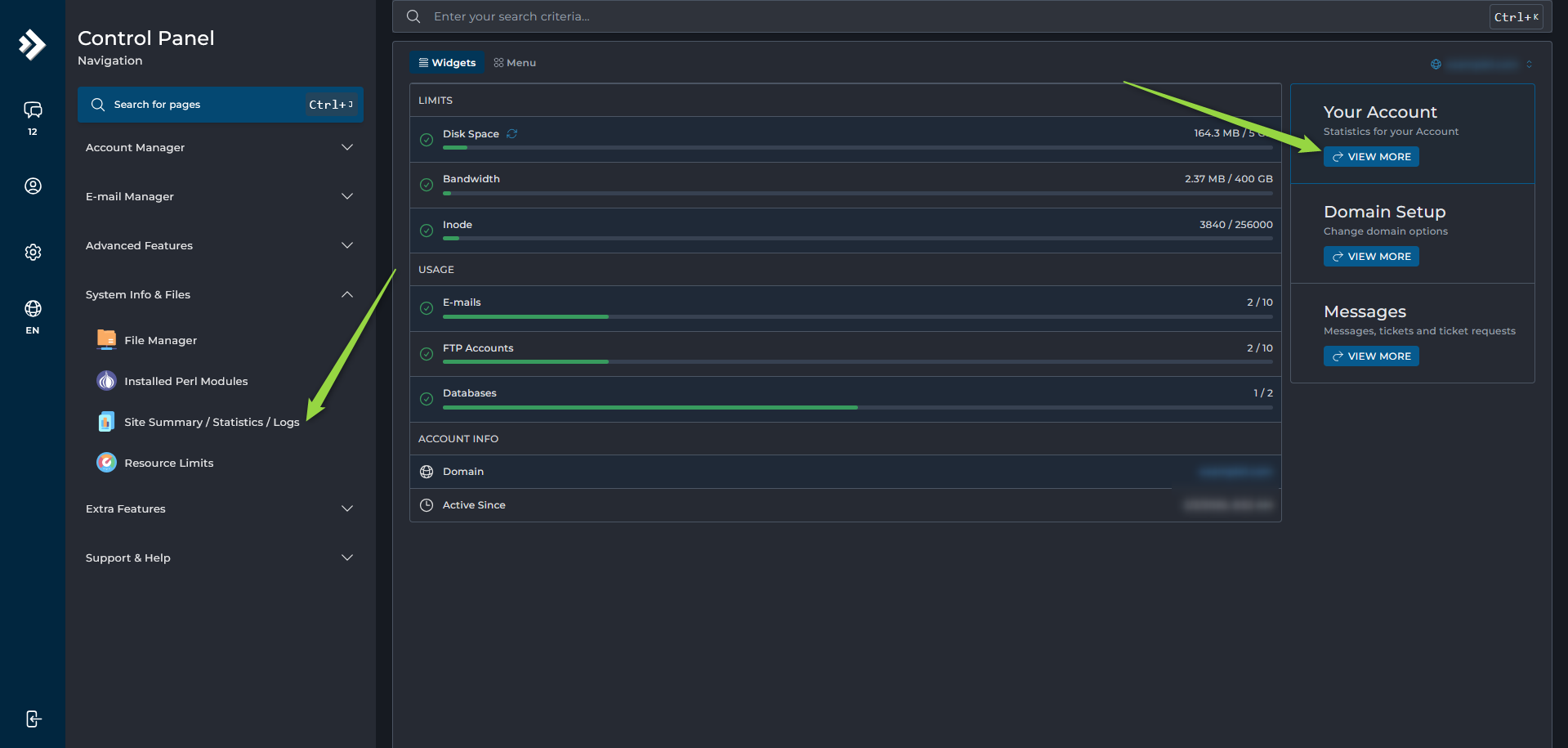
- Navigate to either:
- Your Account --> Login History
- System Info & Files --> Site Summary / Statistics / Logs --> Login History
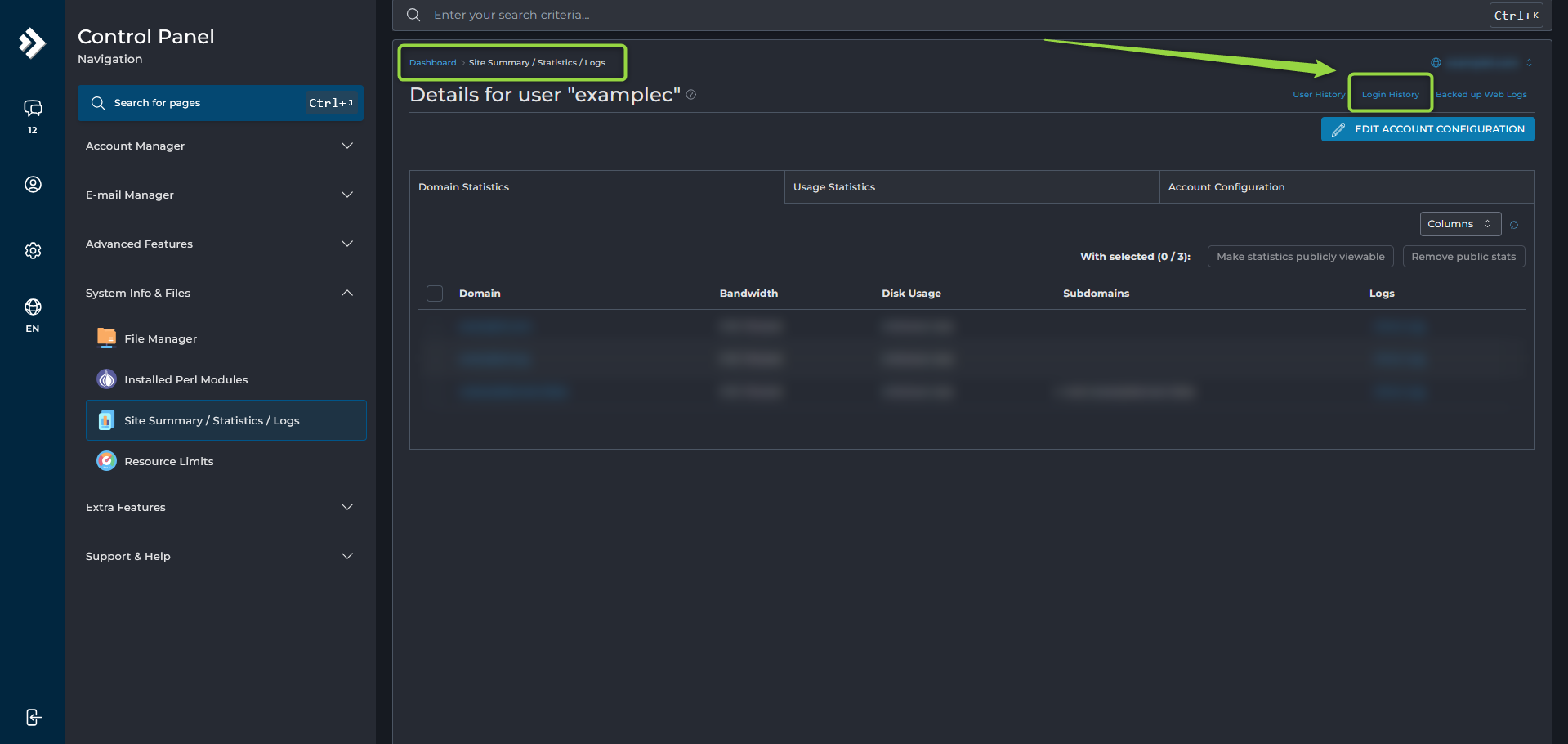
The Login History page displays:
- Login dates and times
- IP addresses
- Login attempts
