How to Reset the DirectAdmin Password
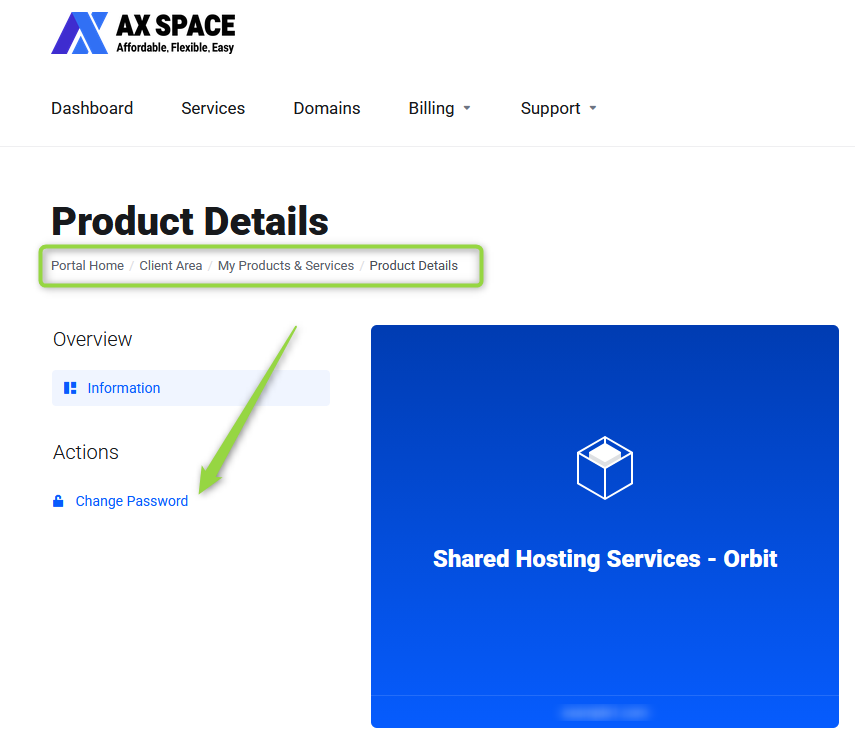
To change your DirectAdmin password:
- Log in to the Client Area.
- Open the
Servicespage. - Select your hosting service.
- Click
Change Password. - Enter your new password and save the changes.

To change your DirectAdmin password:
Services page.Change Password.What Is AXFilePro? AXFilePro is AXSpace.com's enhanced file manager for DirectAdmin. It provides...
What Is WP Quick Fix? WP Quick Fix is an AXSpace-exclusive WordPress tool available through...
How to Restore an Automatic Backup Automatic backups can only be restored through AXFilePro. To...
How to Generate a Download Link Download links can only be generated for files located inside...
How to Create a Full Hosting Backup To create a full hosting backup: Open DirectAdmin....
