How to Check Inode Usage and Disk Space
Using DirectAdmin File Manager
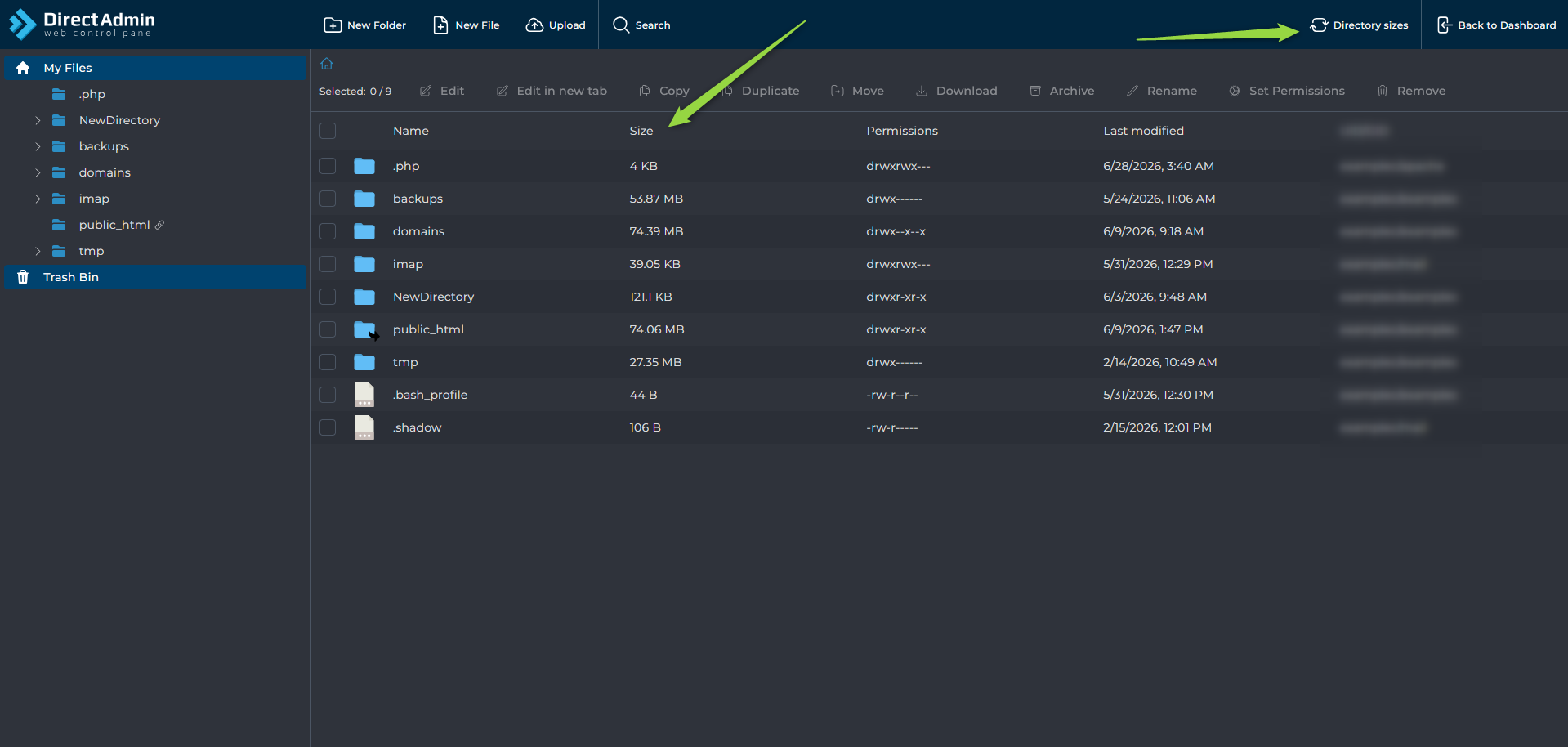
Navigate to System Info & Files --> File Manager and click Directory Sizes to view the disk usage of each directory.
Using AXFilePro
If you are not familiar with AXFilePro, see:
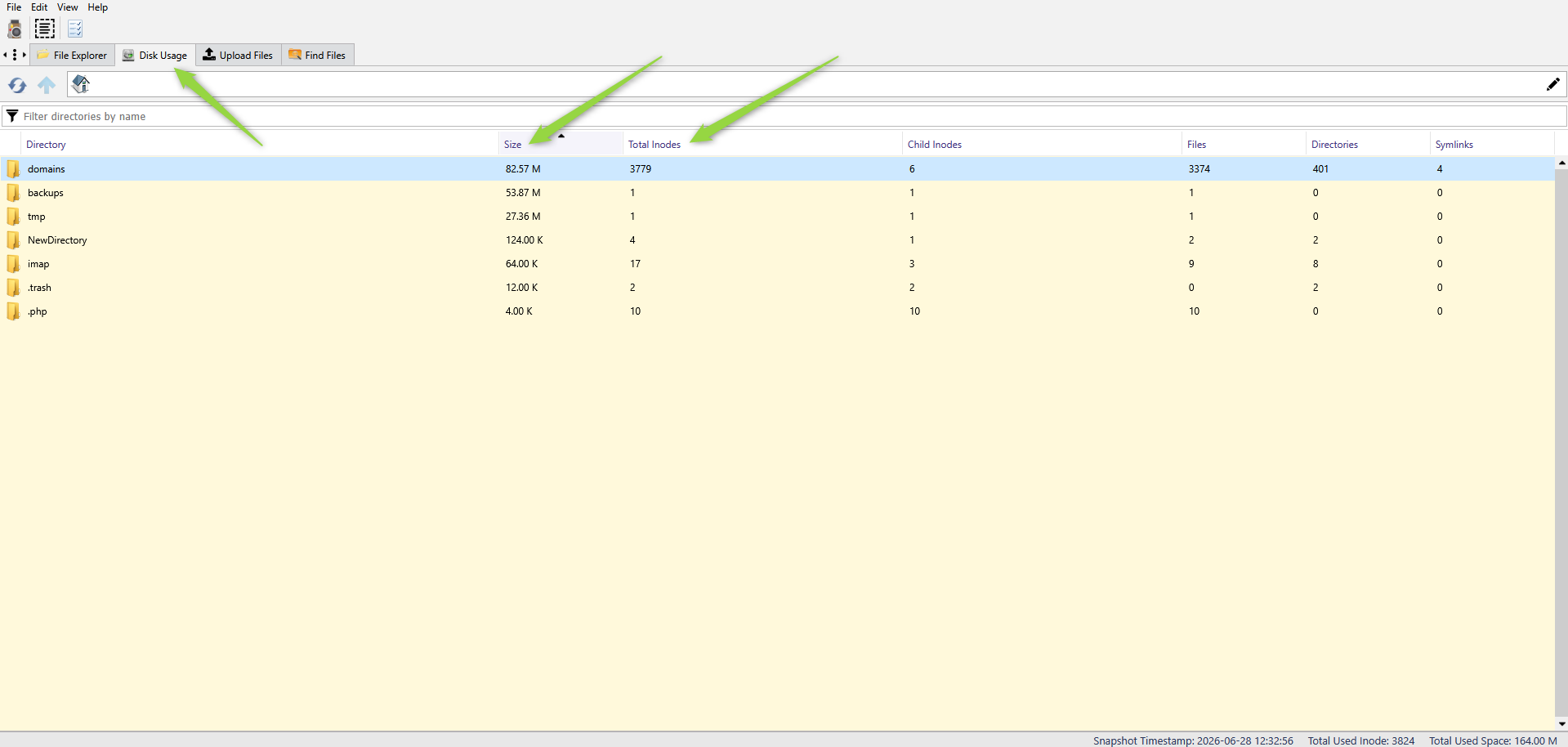
Open AXFilePro and navigate to the Disk Usage tab.
From there, you can view:
- Disk space usage
- Inode usage
- Directory sizes